 PrimCut
Haki
Talking-head editor
“I've used a lot of plugins in my workflow and so far, PrimCut's the one I use the most if not, the only plugin I use in my workflow ever since I got access to it.”
Cut dead air, pick your best takes, and add captions, punch-ins and B-roll, all inside Premiere Pro. You preview every cut before it lands.
 Made by John TagudinPremiere editor for 7 years · 500K+ followers
Reviewed on TrustpilotRead what editors say
 Premiere Pro
 WhisperOffline
 Claude
 ChatGPTCodex
 ElevenLabs
 Pexels
 Pixabay
Premiere already transcribes, captions and cuts pauses. Here’s what PrimCut adds, job by job.
| The job | Premiere Pro on its own | Premiere + PrimCut |
|---|---|---|
| Cut dead air | Deletes pauses from the transcript. | See and hear every cut before you apply. Original backed up.Silence Cutter |
| Keep the best take | Flags “um” and “uh”. Retakes are on you. | Matches your script, keeps the best take, drops the rest.Rough Cut |
| Animated captions | Plain captions. Animated words are keyframed by hand. | Words light up as they’re spoken. 27 styles, or your own .mogrt.Caption Generator |
| Punch-in zooms | Keyframe every zoom by hand. | Zooms on key moments by itself. Eyes stay locked in place.Curve Zoom |
| B-roll and sound effects | Search the web, download, import. | Free clips and sounds in the panel. Auto-placed on Creator.B-Roll Finder · SFX Finder · free plan |
| Podcast multicam | Switch every angle by hand. | Cuts to whoever’s talking, all in one pass.Podcast Editor |
Every tool free for 7 days, no card. Then from $9 a month.
Talking-head and short-form editors share their experience with PrimCut.
Read our 4 reviews on Trustpilot“This was the best pre-edit I’ve ever had.”
“After trying a few different similar plugins, I lucked into finding PrimCut. I’m glad I did because this has the most flexibility of any app. It took me a little more time to get to know, but once I did, I found it to be far superior to any other Premiere Pro extension like this. There’s just so many options to customize and control the different features, versus the others that are more plug and play but far less customizable. After it’s set up properly, it’s much faster and much more accurate than any other extension I’ve tried. It’s made my life so much easier, and I’m finally starting to catch up on the backlog of videos I need to produce.”
 James BiestyCreator subscriberEditor at The Good Ride · thegoodride.com
Talking-head editor
“I've used a lot of plugins in my workflow and so far, PrimCut's the one I use the most if not, the only plugin I use in my workflow ever since I got access to it.”

Short-form editor
“Yes! PrimCut is really worth it to use!!! It made my long hours of cutting and finding the exact tool into minutes of polishing so instead of my energy drained from cutting and stitching, finding the exact assets and tools, I am now focusing in other details of the video!”

Talking-head editor
“Definitely worth it because this plugin is packed with useful tools for everyday editing. I believe that more tools will come in the future updates.”
Talking-head editor
“Absolute all rounder tool/plugin for video editors”

Short-form editor
“It was a great tool and made my editing easier. I know that I have things to learn and the plugin boosted my interest.”
Cards marked Beta tester: feedback from beta participants who received complimentary access to PrimCut.
With usage stats on, each finished run reports how long PrimCut took and nothing about your footage. These numbers come from editors’ own projects since August, not from a demo.
| Step | Typical run | Under a minute | Timed runs |
|---|---|---|---|
| Cut pauses and breathsSilence Cutter | under 10 s | 84% | 89 |
| Pick the best takesRough Cut | under 10 s | 100% | 18 |
| Style and place captionsCaption Generator | under 10 s | 94% | 265 |
| J-cuts and L-cutsJ-Cut & L-Cut | under 1 min | 81% | 21 |
From PrimCut’s anonymous usage stats, Aug 11 – Oct 29, 2026: free, trial and paid editors, with our own test runs left out. “Typical run” is the median. Times are PrimCut’s own processing, not the whole edit, and caption times cover styling and placing, not transcription. Curve Zoom, B-Roll Finder and the other tools don’t report timings yet.
Every tool is free for 7 days, no card. Run it on a recording you’d edit anyway and see what the stopwatch says.
More than a MOGRT: PrimCut pairs precise word-by-word timestamps with trendy text animations, so each highlight follows your speech. Make the look yours with custom fonts, colors and highlights. More fresh animation styles are planned for future updates.
Original plugin previews. They play as they slide by; select one to pause it.
40+ animated titles that decode, flip and scramble into place.
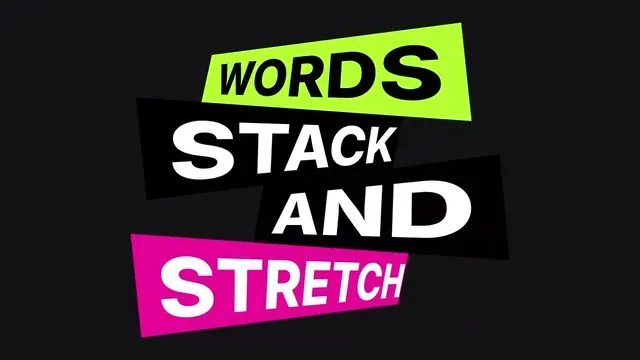
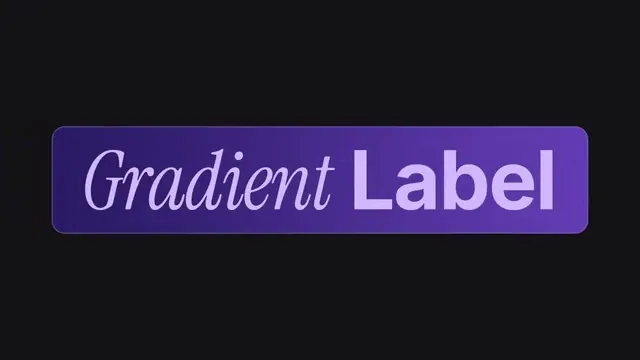

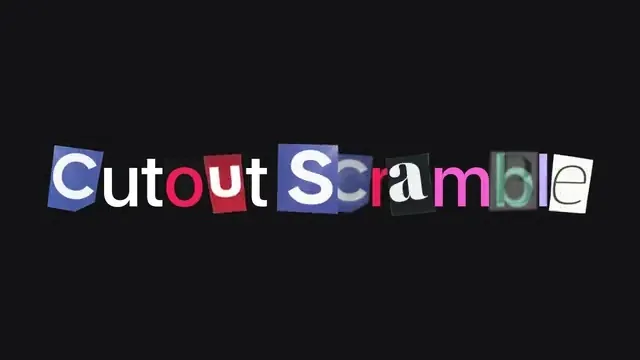
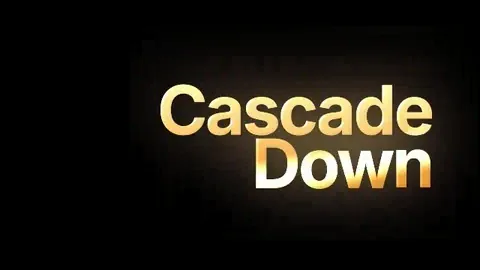
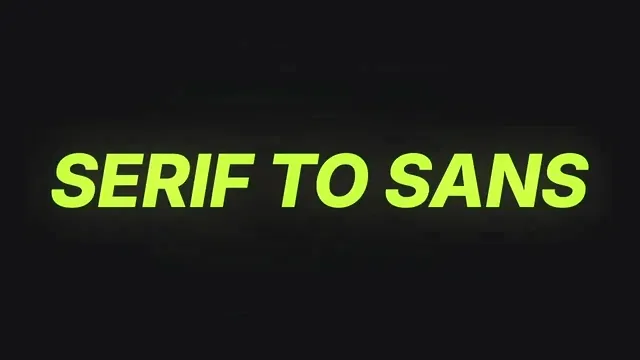
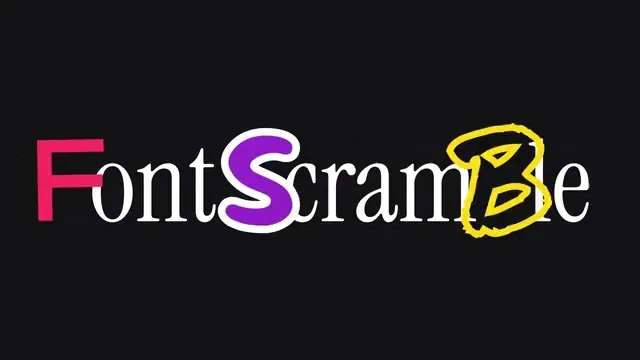
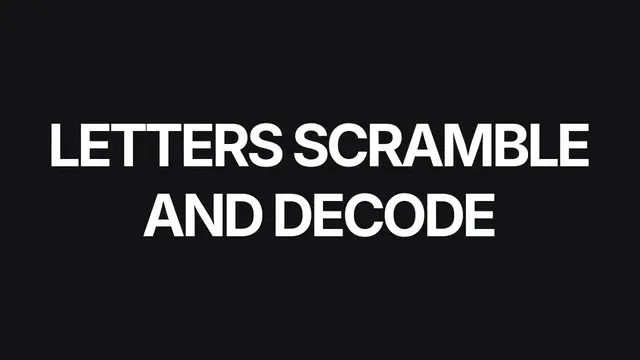
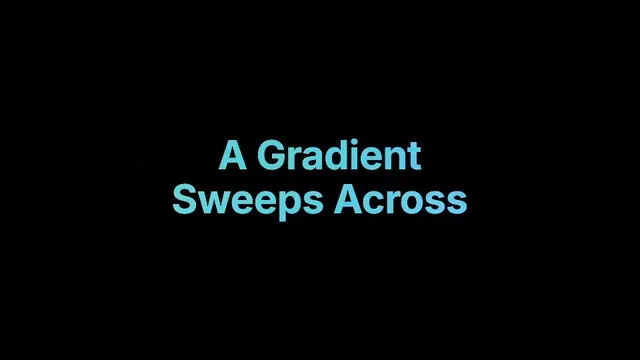
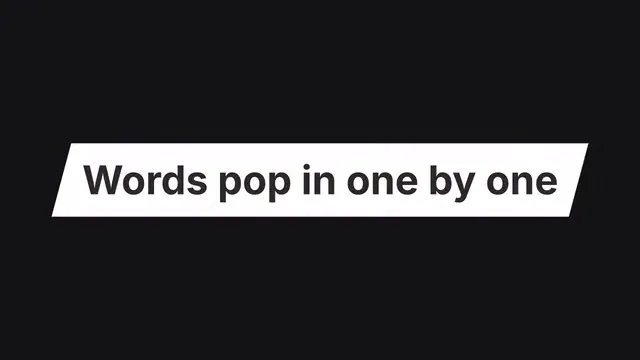
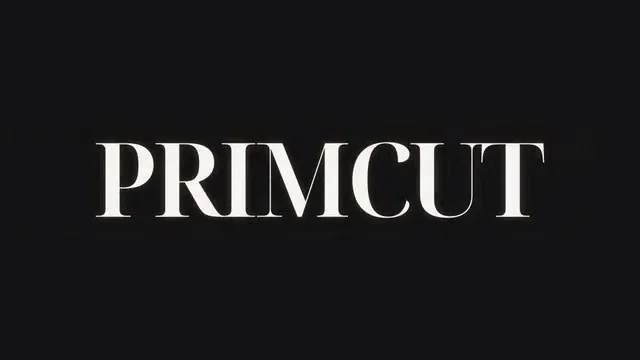
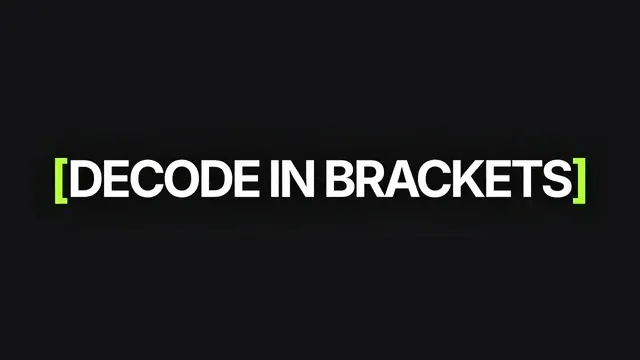
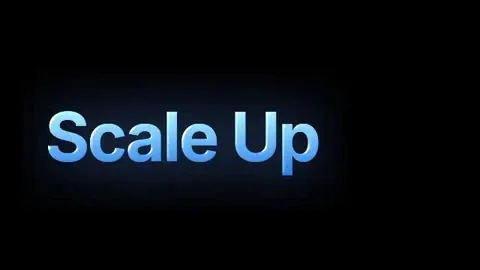
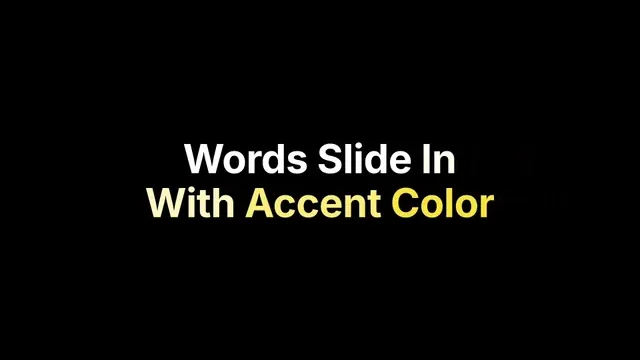
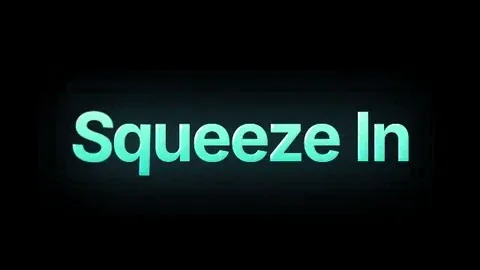
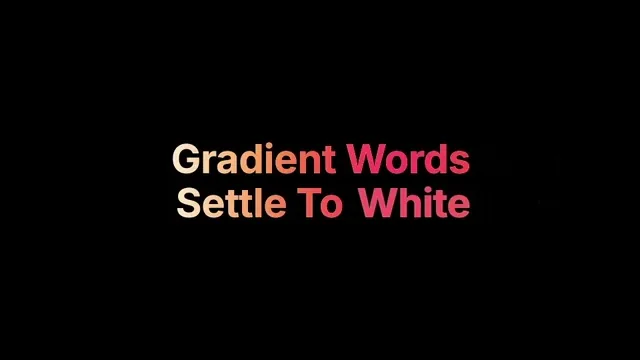
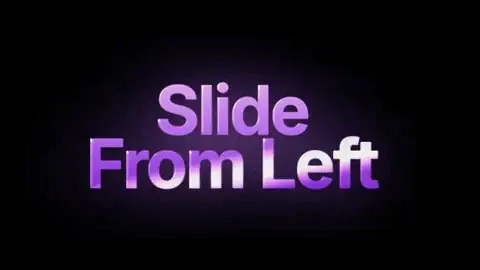
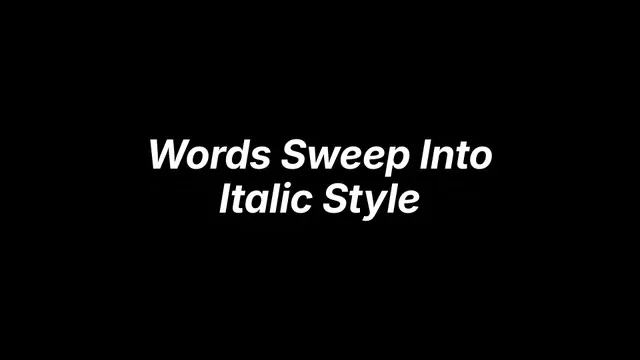
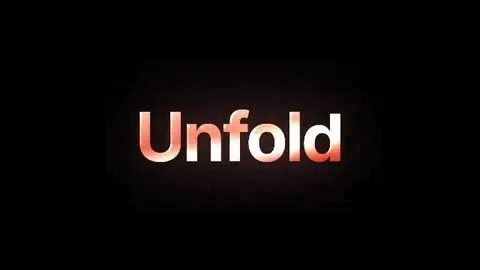
Pick one in Assets Library → Collections, type your words, and place it. More title packs are on the way.
Five are free forever. The rest unlock on Creator, and you can try every one free for 7 days.
The 15 tools are the headline. Here are the 91 features inside them, from un-nesting a sequence to restyling a whole run of MOGRTs at once. Each one opens its spot in the docs, so you can watch it work.
Silence Cutter marks every pause on the waveform, counts the cuts and the time you’ll save, and plays the tightened edit at up to 5× speed before anything touches your Premiere Pro timeline.
Select a clip and Silence Cutter shows what each style would save, from the tightest cut to natural breathing room. Tune the cutoff and padding, or let Suggest cutoff read the clip’s own levels. Breaths go; quick words like “yes” stay.
Keep every clip where it is and silence the gaps instead, so your timing, B-roll and music stay exactly in place.
For long, raw talking-head recordings, SUPER Fast applies more than a thousand silence cuts in seconds. It skips clip transitions, so save it for raw footage.
One silence pass trims every unlocked track at once, so music, B-roll and a second camera stay in sync with the dialogue. Two mics playing together on A1 and A2 are cut once, in step.
Keep your cutoff, padding and style as a named preset and load it on the next video in one click.
Paste the script you recorded from. Rough Cut transcribes your dialogue, finds the takes that match each line and cuts everything else, so your first assembly comes straight from the page.
No script? Cleanup finds the ums, false starts, repeated takes and long pauses, keeps your last good take, and lists every removal for review before it cuts.
Every proposed cut lands in a review screen first. Click a word to keep or drop it, play any range at up to 4× with the voice’s pitch kept, and drag a single cut edge. Your picks always win.
Optionally let Claude or ChatGPT read the transcript first, so “I like this camera” survives while a filler “like” goes. With Better cuts on, it takes a second look at the finished cut for stumbles the first pass missed.
Save the settings a client or a show likes as a Rough Cut preset. Tight, Natural and Review only (nothing is cut until you mark it) are built in, and each project remembers its preset.
Put a flagged word back, or cut one nothing flagged, on two videos and Rough Cut does it for you from then on. Each client keeps its own lists, stored on your computer.
An option for local Whisper that places every word where it’s really said, so cut edges land between words, not on them. On a 46-minute review, 95 to 99% of word edges landed within a tenth of a second of ElevenLabs.
While it cleans up a take, Rough Cut can mute the swear words too, with each mute landing right on the word.
Park the playhead on a cut, set how many frames the sound leads or trails (1 to 30, default 12) and press J-Cut or L-Cut. Or select a whole interview and do every junction in one run, with a progress bar and Cancel.
Clean Dialogue moves the picture cut so two voices never play at once and the timeline keeps its length. Audio Overlap is the classic split edit, with both clips’ sound playing across the cut. Clips are trimmed in place, so effects and keyframes stay.
The Auto tab finds every cut in a talking-head edit and picks a J-cut, an L-cut or a straight cut for each one (Fast, Natural or Mixed). Review the choices before Apply, with an optional AI check. It works on Silence Cutter’s cuts too.
Select a whole run of captions or titles and change the font, colors or any control the template exposes once. Every selected MOGRT updates, or copy the look of the caption under the playhead onto all of them.
Pick one of 100 languages or let PrimCut detect it, then translate the captions if you need to: into English on your own computer, or into other languages online. Speaker labels keep podcasts readable.
Transcription runs on your computer with OpenAI’s Whisper models, from fastest to most accurate, with GPU acceleration when your machine has it. No per-minute fees, and your audio stays local.
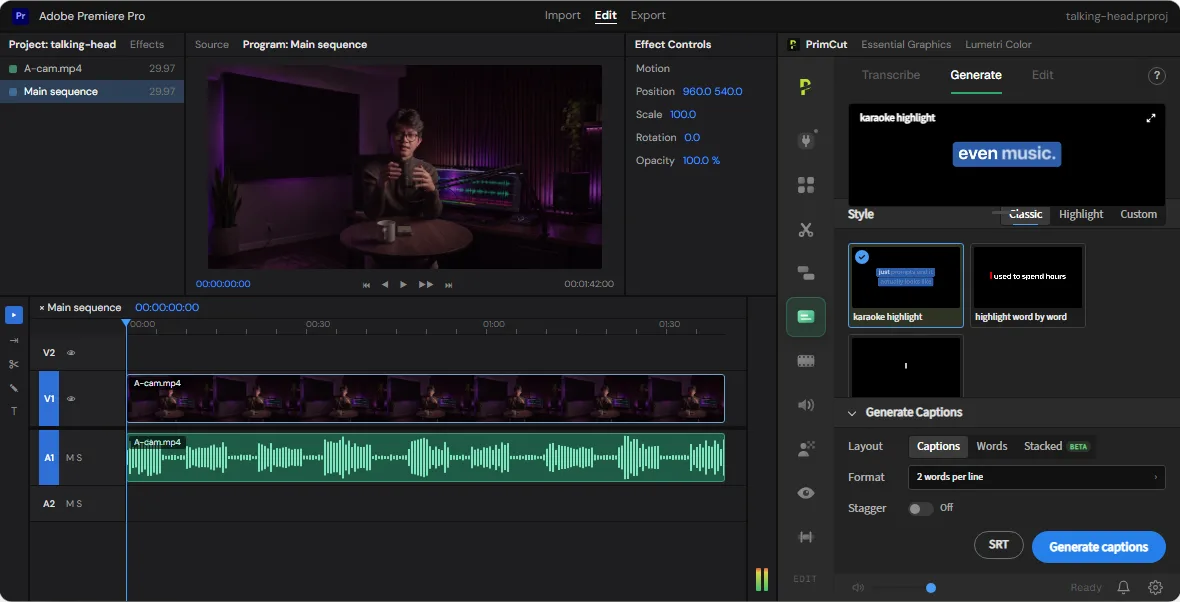
Each word lights up the moment it’s spoken, karaoke style, without keyframing a thing. Highlight, kinetic and slide styles stream to the panel, so new looks arrive without an update.
Select a caption and its settings appear in a layout Premiere Pro editors already know, with a slider under every number and fonts that preview live on the timeline as you arrow through the list.
Select several captions and the Edit tab lists all their words in one place. Choose what a click does (emphasis, a line break or editing the word), and edited text is re-timed to match.
Captions break like an editor would: phrases stay together and rows read evenly. Set words or characters per caption, lines on screen, position, letter case and punctuation while the preview updates.
Fix the words before a single caption is placed: search and replace, speaker labels, line length and letter case, closing gaps, and a word censor.
With Claude or ChatGPT connected, AI proofread suggests spelling fixes and smoother caption splits, each with Go to timeline, Accept and Keep. Add names and brand terms first so they come out right.
PrimCut picks the words to highlight from what you said or, with Use audio cues, from the words you actually stressed. Click any word to add or drop emphasis before you generate.
Change the font, text, box and highlight colors with a live preview and Undo, then save the look as a preset, one per client, and apply it again in one click.
Drag any caption template onto the list and PrimCut fills it with your words and their timing, so your brand’s own design carries every caption.
Design one text layer in After Effects, paste one prompt into its AI Assistant, and your template gets word-by-word highlights that PrimCut drives. The guide has the prompt and the test data.
Go big with a single word on screen at a time for Shorts and Reels, or stack kinetic words (beta) for a punchier look.
Captions alternate between two tracks and each one holds a few frames past its cue (six by default), so a style’s out-animation plays out instead of being chopped by the next caption.
Export SRT or VTT subtitles for YouTube and any other platform, or import SRT and VTT from anywhere, and .json transcripts with their real word timings.
Set In and Out points and only that range gets captions. An In point with no Out means “from here to the end”.
Select clips, set a percentage and a duration, and click Zoom: eased punch-ins with no keyframing by hand. Zooms are relative, so a clip you already reframed keeps its framing.
Pin a point on the frame, like the speaker’s eyes, and the zoom grows toward it instead of drifting off their face. Place it on the real frame under the playhead.
Curve Zoom reads the transcript, finds the lines worth a punch-in and lists them for review. Skip the ones you don’t want, find more, then apply them all at once.
Punch in on every other selected clip (115% by default) so a jump cut feels like a second camera, on the clips themselves or on adjustment layers, with eye lock.
Keep Motion free for framing: put the zoom on a Transform effect with a shutter angle for real motion blur, or on an adjustment layer made at your sequence’s size.
Reverse a zoom, punch in at the head and back out at the tail, zoom inside In/Out points, or snap a clip to a new scale with no keyframes at all.
Bake any of 113 motion curves (Flow, Bounce, Google Material and more) into a keyframe pair you already have, or draw your own on a full-size graph. Save baked moves as presets to reuse.
Take all of PrimCut’s zooms off in one click. Undo checks your project first, and if you’ve edited those keyframes by hand since, it leaves them alone.
Hold Alt while you drag a keyframe or a rubber-band lever in Premiere Pro and its value stays exactly where it was. No more accidental vertical drift.
Your cursor grabs the nearest keyframe handle as you approach, with a reach you set. F8 turns the assist on and off without leaving Premiere, with a sound cue.
Tag each camera with who it shows and Podcast Editor cuts to whoever is speaking across the whole episode in one pass, with your original sequence kept as a backup.
When people talk over each other, it cuts to your wide shot instead of ping-ponging between speakers, the way a human editor would.
Per-person mic tracks are analyzed almost instantly, even for a 40-minute episode. Only have one mixed track? Speaker detection runs free on your computer, or with your own ElevenLabs, Speechmatics or AssemblyAI key, and works best with two speakers.
Cameras kept in nested sequences are read as they are, and a multicam clip is switched angle by angle and stays a multicam, so you can still change any shot in Premiere’s Multi-Camera view.
Choose Snappy, Balanced or Relaxed switching, then save the speaker and camera setup as a layout to load for the next episode.
Play samples of each detected voice from early, middle and late in the episode, and set who it is before anything is cut.
Turn on silence removal and the episode gets tighter while the cameras switch, with no second run.
Viral Clips reads a long video’s transcript and finds the moments most likely to work as Shorts, Reels or TikToks: whole sentences, a strong first line, a clean ending. Choose 15 to 90 seconds and 5, 10 or 15 clips.
Every clip comes with a title, a caption, hashtags and a score that explains itself: hook, ending, story, tips, emotion and pace. With Claude or ChatGPT connected, the AI picks the moments and writes the text.
Each clip you tick becomes its own sequence with its own transcript, ready for captions, plus an optional vertical 9:16 copy through Premiere’s Auto Reframe. Your long video is never cut.
Search millions of free stock videos and photos from both libraries inside Premiere Pro. Hover to preview, pick a resolution (up to 4K where available), and import to a bin or the timeline without overwriting your edit.
Filter by orientation, duration and resolution, keep your go-to searches as one-click tags, and find past downloads in your history. Every result shows its creator and license.
Auto B-Roll reads what’s being said and suggests a clip for each moment, from stock or your own footage, then places the picks you keep in one pass, up to full cover.
Whooshes, impacts, clicks and risers, all public domain (CC0), so you can use them in any project, commercial ones included, without crediting anyone.
Scrub the waveform, drag In and Out around the exact hit and drop it at the playhead. The full file comes in with your trim applied, so you can re-trim later.
Suggest for this moment reads the lines spoken around your playhead and proposes sound searches that fit. It uses the transcript from Caption Generator.
SFX Finder’s Auto tab places sounds from your own library on cue words, every word, every line or every cut. Check the list, swap or untick any sound, then Place; Undo takes exactly those off.
Point Assets Library at your own folders and every MOGRT, sound, video, image and LUT shows up as a preview card you can search, tag, favorite and drag onto the timeline.
Set In and Out on any sound or video once and PrimCut remembers it, so dragging it in or adding it at the playhead lands it already trimmed.
Hover a card and it plays, waveform included. Edit tags and filter by them, star your favorites, and generate previews for the folders you add.
Text animations, lower thirds, social media graphics, elements, transitions and a social safe-zone overlay, free on every account. Each file downloads the first time you use it.
Titles that decode, flip and scramble into place, ready in Assets Library → Collections. Type your words and place one. Included with paid Creator plans.
Cut the background out of stills on your own computer, with no uploads and no credits, so a hundred images cost the same as one. Works on images in the timeline or the Project panel (Premiere Pro 2025 or newer).
In a group photo, draw a box around the person to keep or mark the area with the Pencil, then fix anything it missed with the touch-up brush.
Run a whole selection of stills at once, compare before and after, then replace the original so every use on the timeline updates. The file on disk is never changed.
Point PrimCut Eye at a folder and every new file lands in your open project, in a bin named after that folder and sorted by media type if you like, even with the panel closed.
Eye imports a file only once it has finished copying and remembers what each project already has, so one folder can feed many projects without importing anything twice. You choose which file types come in.
Press your shortcut (Ctrl+Shift+Space by default) and type: every Premiere Pro effect, transition and saved preset is one search away, applied to all your selected clips.
Select a nested sequence and Un-nest swaps it back for the clips inside it, right where it sits on the timeline, with everything kept.
Spread moves selected clips onto their own tracks without changing their timing; Compact packs them back down to the lowest free tracks, gaps intact.
Drop an adjustment layer over the selection, one per clip, centered on each cut or at the playhead, and clear every effect from selected clips just as fast.
Add a transition at the start, the end or both sides of every selected clip, set its length in frames, or remove them all in one go.
Your own Premiere effect presets show up in the same search. If one uses a custom LUT, Command applies the rest and tells you which LUT to add in Lumetri.
Pin the effects you use every day, see recent ones first, and open any PrimCut tool by name from the same box.
Settings → Hotkeys gives any PrimCut tool or tab its own shortcut, so you can jump straight to Captions, Silence Cutter or Curve Zoom without reaching for the mouse.
Connect Claude Code, Codex or Claude Desktop once, then ask for an edit in plain words. It cuts pauses, adds captions and titles, finds B-roll and makes Shorts with PrimCut’s own tools.
Each change waits on a card for Apply or Skip, or goes straight through on Auto. Either way it lands on an “- AI Edit” copy of your sequence, and Activity lists every step, with Stop on anything still running.
Claude Code designs and renders graphics for the numbers, steps and names in your video, 9:16 talking heads included, and PrimCut places each one at its moment, clear of your face and captions.
Ask for it and PrimCut MCP finds your sentences, dips the music under each one and brings it back up in the longer pauses, as volume keyframes you can still adjust.
Ask for chapter markers from 0:00 plus a chapter list to paste into your YouTube description, then export the edit or every Short as an MP4 that keeps its shape.
PrimCut AI runs the AI in Rough Cut, Captions, Auto Zoom, B-Roll, Auto J/L and Viral Clips as soon as you sign in: 2 hours on the free trial, 20 hours a month on Creator. An hour is about an hour of footage through Rough Cut.
Install Claude Code or Codex CLI once and PrimCut’s AI features run on the subscription you already pay for: no API key, and no AI charge from PrimCut. Requests count toward your plan’s usual limits.
Silence Cutter, Rough Cut and Podcast Editor keep your original sequence, J-Cut & L-Cut can work on a copy, and PrimCut MCP only ever edits an “- AI Edit” copy.
Add an ElevenLabs, Deepgram, AssemblyAI, Speechmatics or Claude key in Settings, test it before a long job and pay the provider directly, with no PrimCut markup. Saved keys are masked.
PrimCut’s speech, speaker and background-removal engines download once with a progress bar, resume if the connection drops, then run on your computer without internet.
Installs in seconds with no administrator prompt, keeps your settings when you update, and uninstalls from Apps & Features like any other app.
New to PrimCut? A walkthrough takes you through your first silence cut, and Quick Tour cards open each tool’s written guide.
No feature matches that. Try “captions”, “zoom” or “podcast”.
Free means it’s on the free plan, forever. The tools’ other features come with Creator, and every tool is free to try for 7 days, no card.
PrimCut works on your active sequence, so every tool is built to be checked first and undone easily.
Every cutting tool shows you the result first: cuts on the waveform, the takes it keeps, the tightened playback. You decide, then apply.
Silence Cutter backs up the original sequence by default, Rough Cut can duplicate it before it trims, and PrimCut MCP always works on a copy. Your untouched edit is one click away.
Captions, Silence Cutter, Rough Cut and the Podcast Editor run on your machine, with no key needed. Cloud engines are optional extras you connect yourself.
Start free forever. Try every Creator tool free for 7 days, no card.
The Free tier includes these tools.
Every tool unlocked — and you try all of it free for 7 days. Built for editors who ship content daily.
Already had your trial? Buy Creator goes straight to checkout.
Every Creator tool, on your own footage, before you pay anything.
From your account page. You keep Creator until the period ends.
Not for you? Ask within 14 days of your first payment for a full refund, no questions asked. Refund policy
Premiere Pro 2024+ on Windows 10 or 11. On a Mac? Join the waitlist

I spent seven years editing full-time before becoming a content creator — most of it doing the same repetitive tasks in Premiere Pro: cutting silences by hand, hunting B-roll, syncing captions, organizing assets. Small actions that quietly eat up hours — especially on talking-head videos, where the small tasks add up quickly.
So I built PrimCut. Every tool comes from a real editing problem I personally deal with — not filler to make the panel look bigger. And I priced it for editors in the Philippines, India, and everywhere premium plugins are usually out of reach — because good workflow tools shouldn't only be for editors with big budgets.
PrimCut is a plugin for Adobe Premiere Pro that takes the repetitive work out of editing talking-head, podcast and short-form videos. It docks as one panel in Premiere Pro on Windows with 15 tools. Silence Cutter removes dead air. Rough Cut clears out filler words, false starts and repeated takes, or cuts to your script. Caption Generator makes animated, word-by-word captions. Podcast Editor switches cameras to whoever is speaking, and Viral Clips turns long videos into Shorts. Curve Zoom, J-Cut & L-Cut, B-Roll Finder, SFX Finder, Assets Library, Background Remover, PrimCut Eye, PrimCut Command and Keyframe Drag Assist cover the rest, and PrimCut MCP lets Claude Code run most of them for you. Transcription runs on your computer by default. Five tools are free forever, and Creator unlocks all 15 for $15 a month or $109 a year. PrimCut is built by John Tagudin, who edited video full-time for seven years.
Yes. There's a Free Forever tier with five tools you keep permanently, plus a 7-day free trial of every tool — no credit card required. After the trial, upgrade to Creator any time to keep every tool unlocked. Download PrimCut and start today.
Premiere can transcribe, caption and delete pauses, and PrimCut doesn’t try to replace that. It adds what Premiere leaves to you: waveform previews and presets for silence cuts, script matching for takes, word-by-word animated captions, automatic punch-ins, B-roll and sound effects inside the panel, and podcast camera switching. See the side-by-side.
All four put AI editing tools inside Premiere Pro. PrimCut runs on Windows only, transcribes on your own computer by default, keeps five tools free forever (AutoEdit's free plan has seven) and costs $109 a year for every tool. AutoCut and FireCut also work on Mac and with DaVinci Resolve, and AutoEdit runs on Mac too. The side-by-side comparisons cover features, prices and where each one processes your audio: PrimCut vs AutoCut, PrimCut vs FireCut and PrimCut vs AutoEdit.
Creator is $15/month or $109/year, billed in US dollars. Subscriptions renew at the selected interval until canceled, and you can cancel from your account page any time and keep Creator until the period ends. It's deliberately set below most single-purpose plugins, because PrimCut was built to be accessible for editors in the Philippines, India, and everywhere premium tools are usually out of reach.
Yes. Ask within 14 days of your first payment and you get it back in full, no questions asked. You can also try every tool free for 7 days first, with no card. Details in the Refund Policy and on the Support page.
Adobe Premiere Pro 2024 or newer on Windows 10/11. macOS isn't supported yet. Questions? Contact support@primcut.app.
Every cutting tool shows a preview first and changes nothing until you apply. Silence Cutter backs up the original sequence by default, Rough Cut can duplicate it before it trims, and PrimCut MCP always works on a copy. PrimCut does edit the active sequence, so those safeguards keep the original one click away.
No. The panel keeps all fifteen tools — silence cutting, captions, assets, b-roll, SFX, J-cuts & L-cuts, keyframe drag assist, motion curves and punch-in zooms, podcast editing, viral clips, script matching, watch-folder auto-import, image background removal, effects, transitions & preset search, and PrimCut MCP, which lets Claude Code use almost all of them — inside your editing workflow.
Most tools run fully offline. Captions, Rough Cut and the Podcast Editor use engines that run on your machine — no API key needed. The AI features need an internet connection, and PrimCut AI is built in with no setup: 2 hours on the free trial, 20 hours a month on Creator. Cloud engines (ElevenLabs, Deepgram, AssemblyAI) and your own Claude or ChatGPT are optional extras you connect yourself.
Hit Try for free — download the installer, create a free account, and you're editing in minutes. No waitlist, no invite needed.
Not right now. The PrimCut Partners affiliate program is paused while we move to a new payment provider. Email support@primcut.app if you'd like to hear when it reopens.